![owl-Logo-1.png]](https://help.lendingwise.com/hs-fs/hubfs/owl-Logo-1.png?width=43&height=46&name=owl-Logo-1.png)
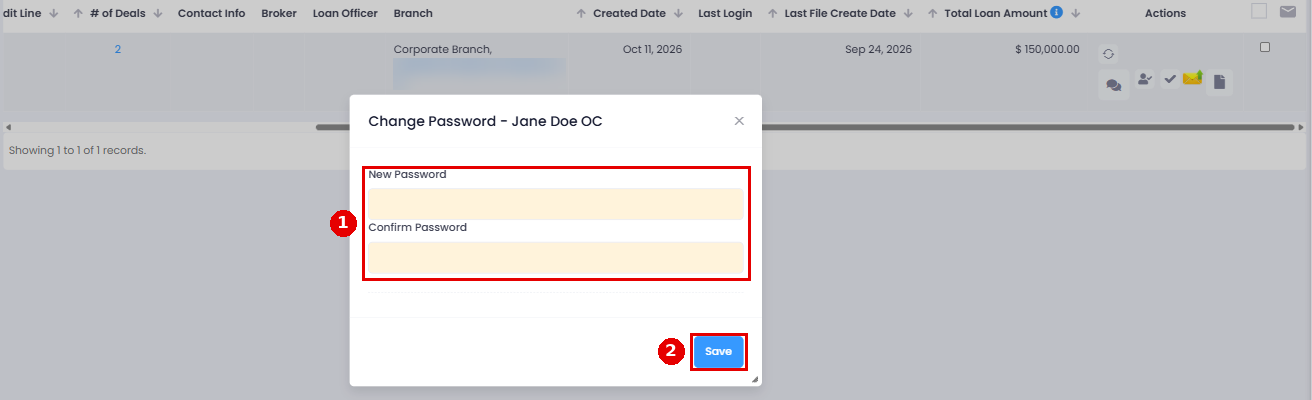
You can change the password of the borrower/client via the following:
CRM > Borrowers > Borrower List, then click the "Click to Change Password" icon in the borrower's Actions column
*Please note this can only be done by a manager of your company.
Tip: the borrower can self-reset on the login page

Note: borrowers log in from the borrower login link in Settings > Platform Settings > Web Forms / Logins.
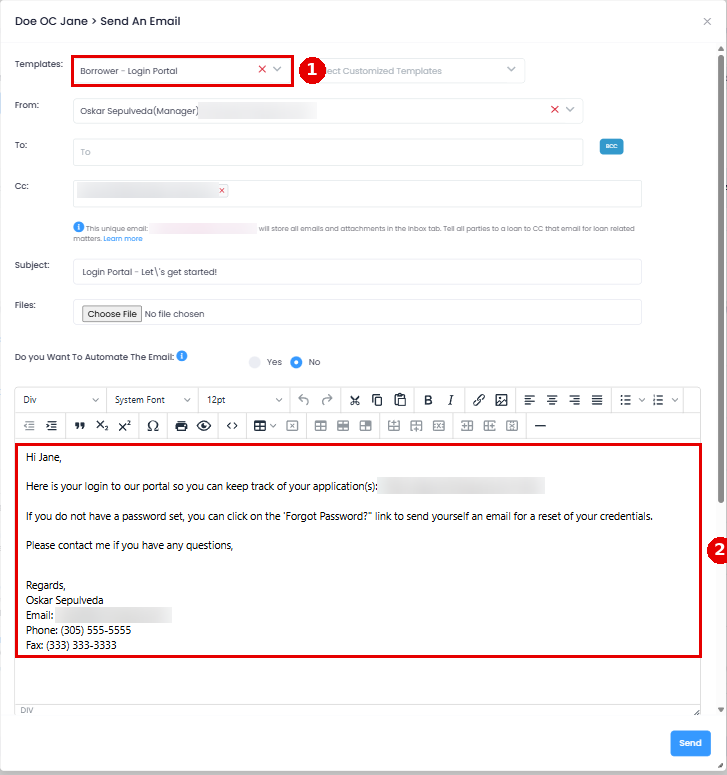
We also have a default borrower email template called "Borrower - Login Portal"