![owl-Logo-1.png]](https://help.lendingwise.com/hs-fs/hubfs/owl-Logo-1.png?width=43&height=46&name=owl-Logo-1.png)
Make sure that this feature is activated. To activate the soft credit pull you need to:
1. Log in to your LendingWise account.
2. Go to Loan Origination > Soft Credit Pulls (page heading Credit Screening). If it isn't active yet, click "Activate Now". Make sure to first accept terms to activate soft credit pulls.
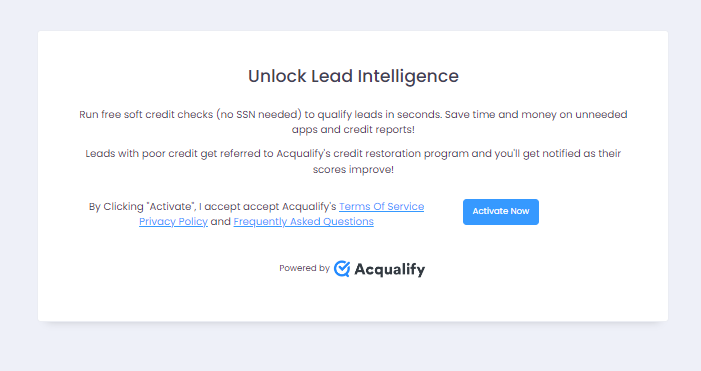
3. You will be asked to log in to your Acqualify account. Kindly create an account if you don't have one yet.
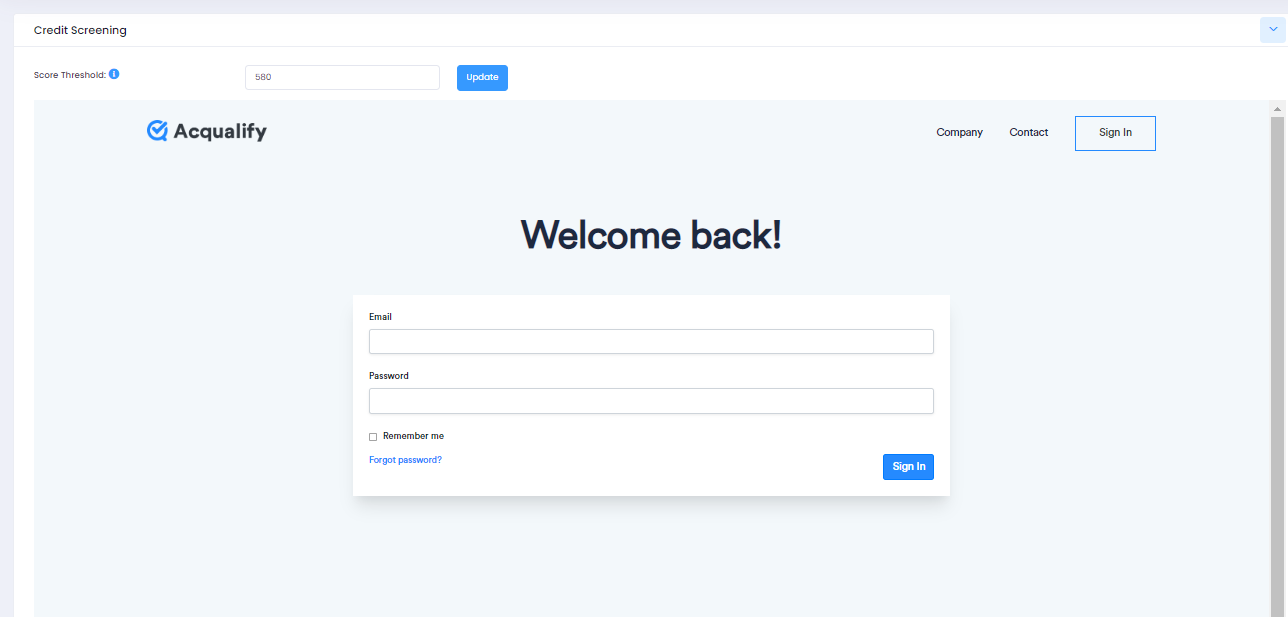
Once it's on, Soft Credit Pulls shows in the Loan Origination menu. LendingWise's only setting on that page is Score Threshold (click Update to save it). The rest of the page is Acqualify's panel, with + New Prospect, Quick Entry Link, Self Entry Link and Add by CSV. + New Prospect has Run credit check ticked by default, so Submit runs a pull; untick it to just add a prospect. A soft credit pull can be run directly from the soft credit pipeline or inside a loan file under the Quick or full app tab. Each user (back office, branch, loan officer, or broker) needs permission to use soft credit pulls. For back office users, turn on "Allow To View Credit Screen?" on their profile.
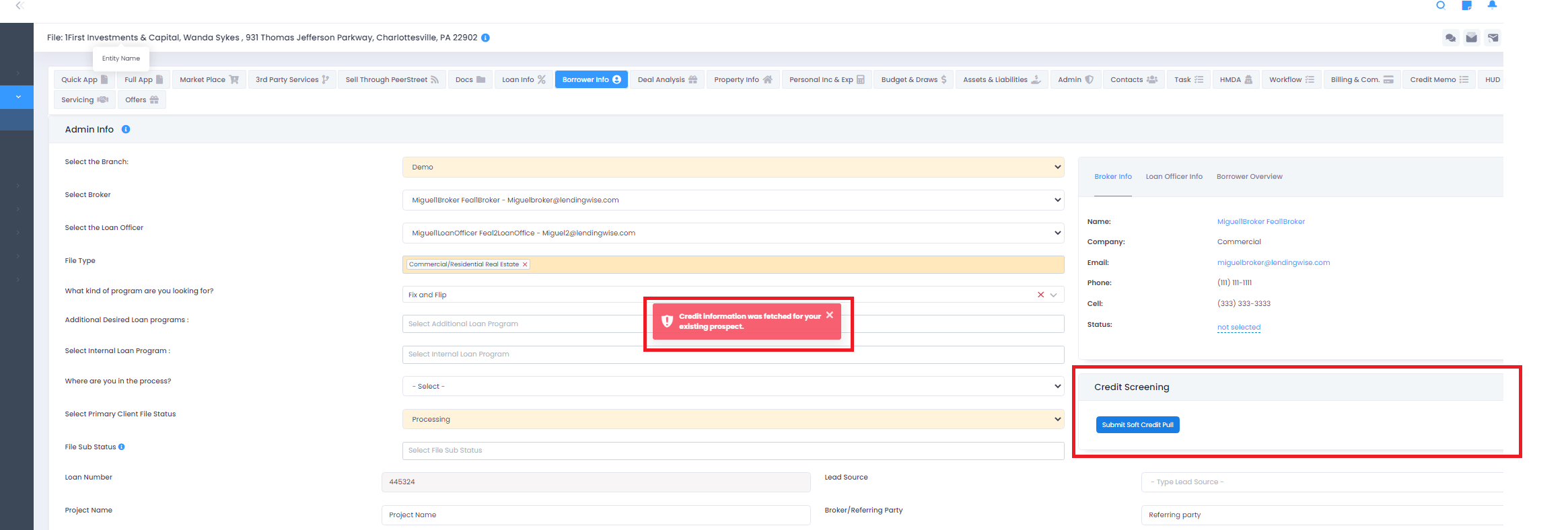
FYI: You can only run the soft credit every 30 days. So if you try to resubmit the report, you will be prompted with an error.
When running a soft credit pull.
- If all information is correct and successful. You should see the following:
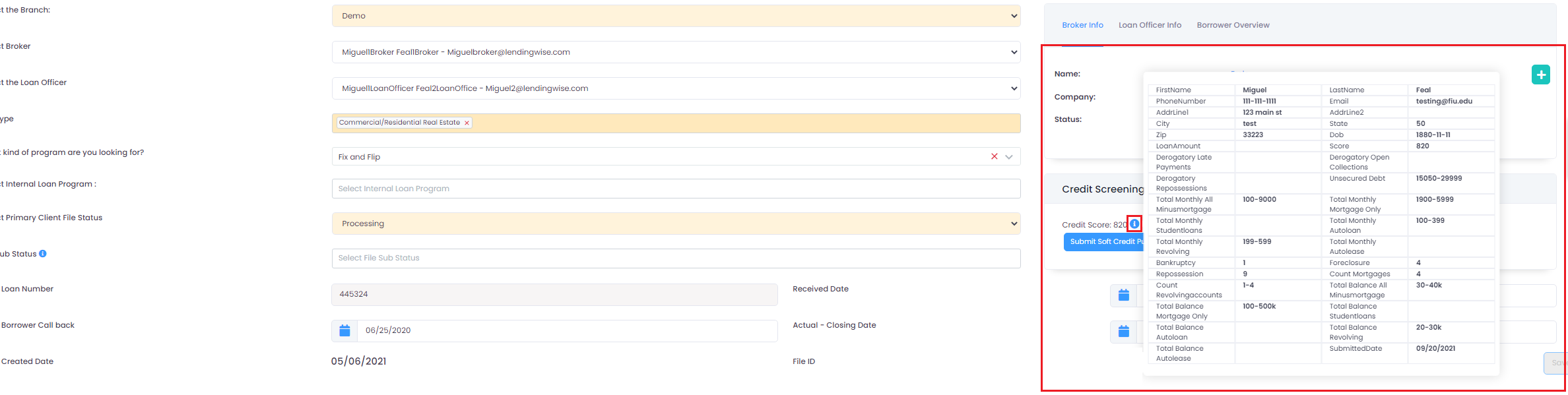
The required fields to run soft credit are: first & last name, address, phone, E-mail & Date of birth.
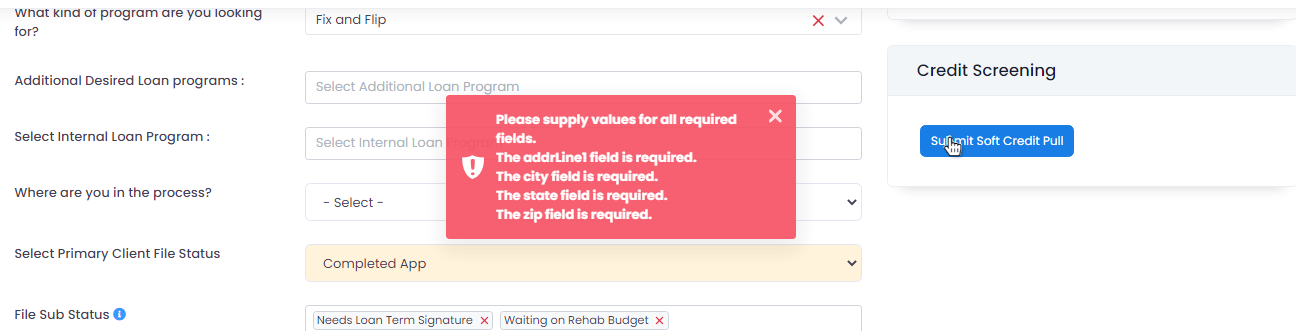
- If information is not provided correctly or system cannot find information, you will receive this error message.
FAQs
It will only display one score as shown in the images above in this article.
Click on this linkto reset your password or please submit a ticket via the help center. Our support team can help you find your user ID.
If you are located outside of the U.S.A. and would like access, please email helpdesk@lendingwise.com