![owl-Logo-1.png]](https://help.lendingwise.com/hs-fs/hubfs/owl-Logo-1.png?width=43&height=46&name=owl-Logo-1.png)
This tab shows all tasks created for the loan file and tasks created by automation rules (those show in a separate Automation Tasks box under the Task List)
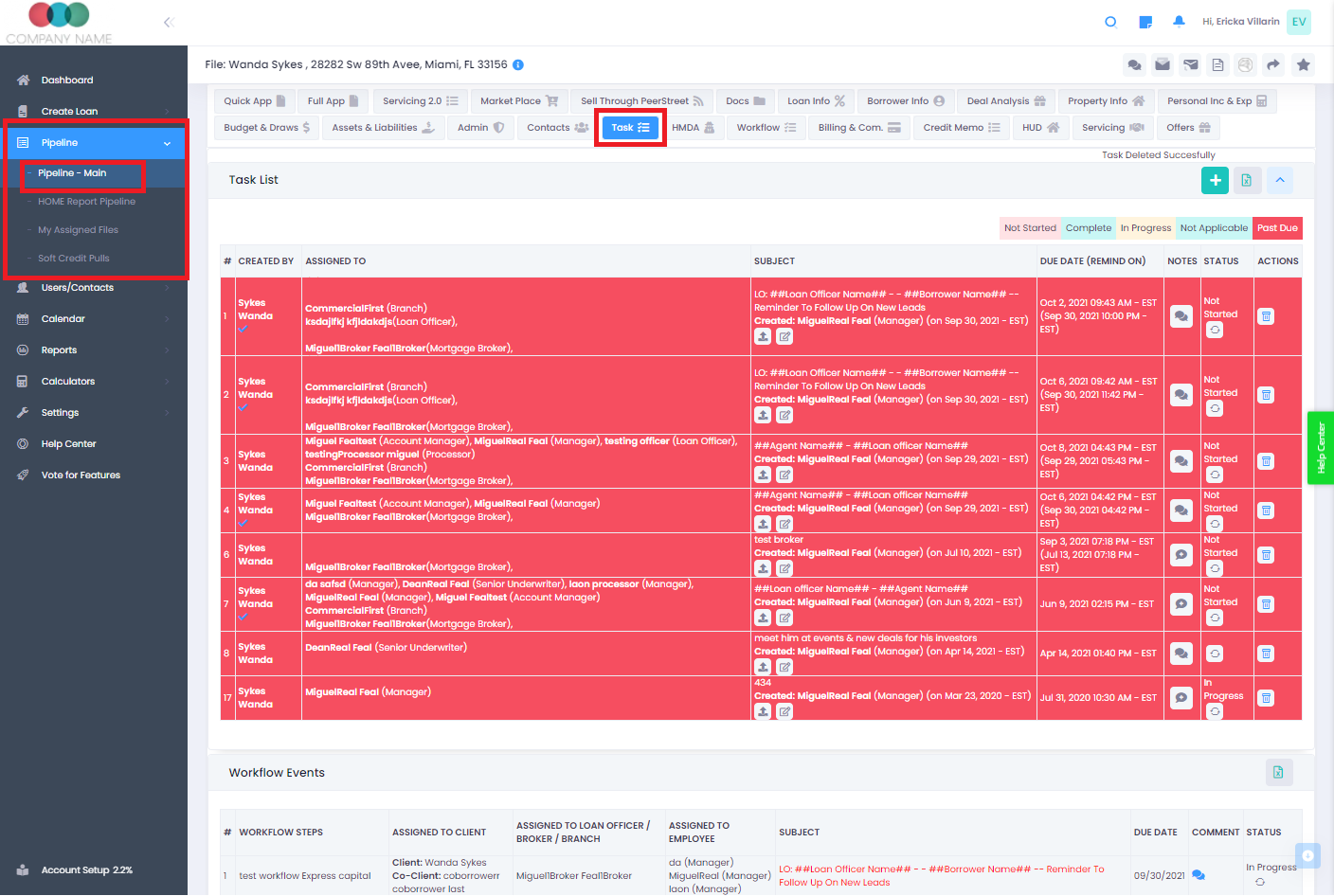
Where to find it: open the loan file and, in the menu on the left under WORK, click Task. Click + to create a task.