![owl-Logo-1.png]](https://help.lendingwise.com/hs-fs/hubfs/owl-Logo-1.png?height=40&name=owl-Logo-1.png)
If you want to restrict a file in read-only mode based on user type & primary file status, you can control that in the Company Settings--> File Status. For example, a loan officer or borrower cannot edit the file once the file is in processing status.
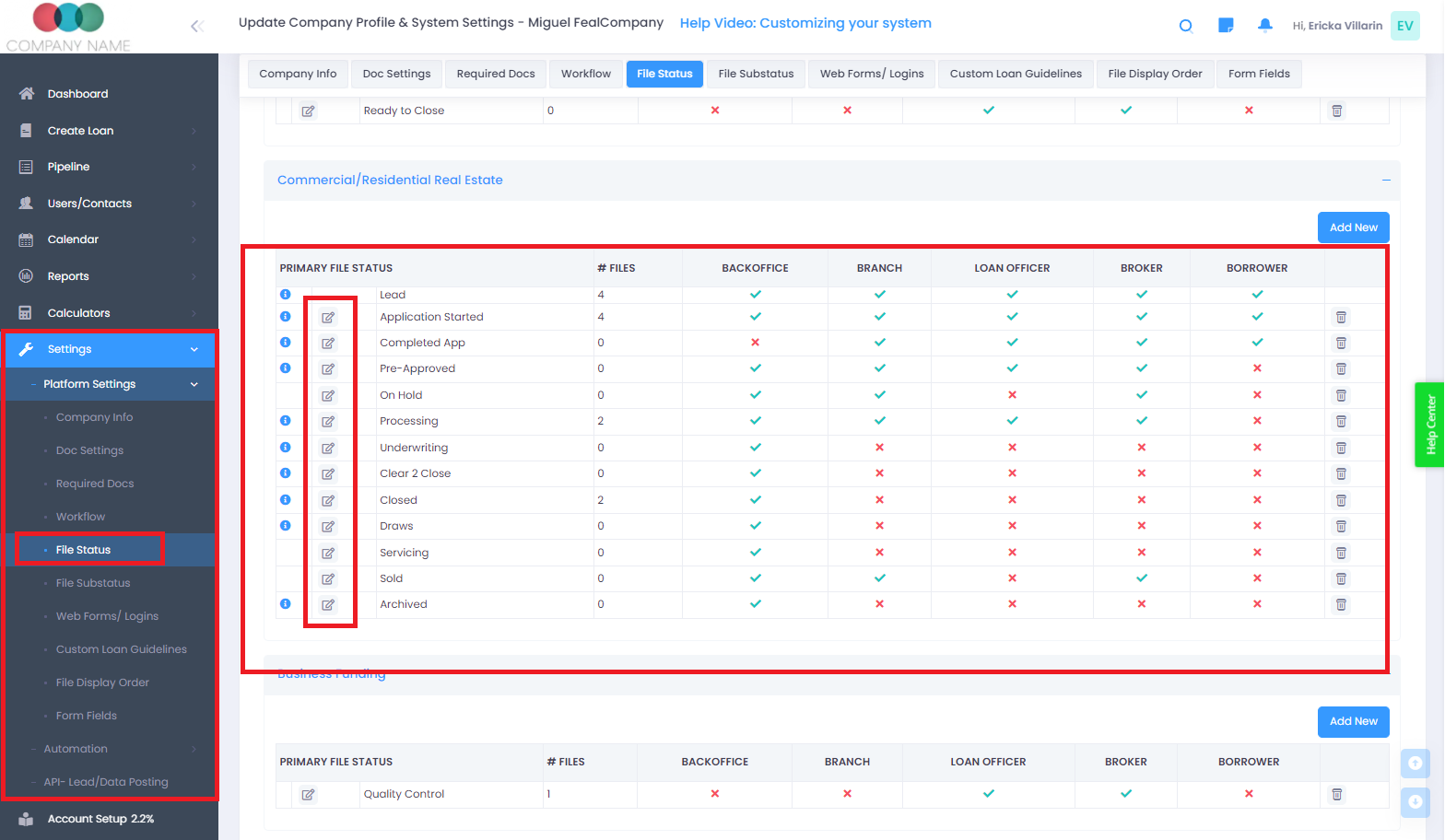
The respective user will NOT be able to move the file into a status they do NOT have permission for.