![owl-Logo-1.png]](https://help.lendingwise.com/hs-fs/hubfs/owl-Logo-1.png?height=40&name=owl-Logo-1.png)
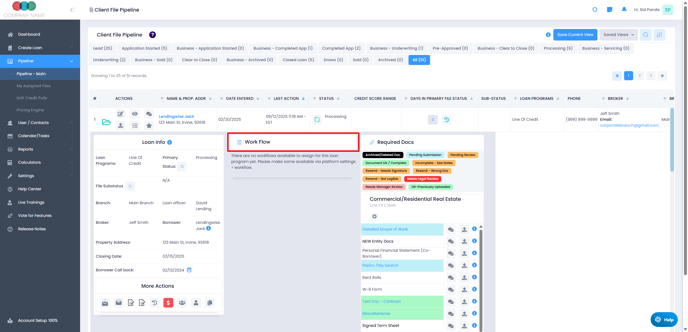
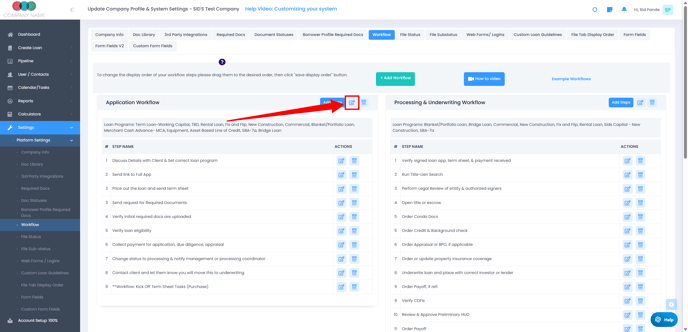
To resolve this, navigate to Settings > Platform Settings > Workflow, where you can select and edit the appropriate workflow to associate with the loan program.
Example:
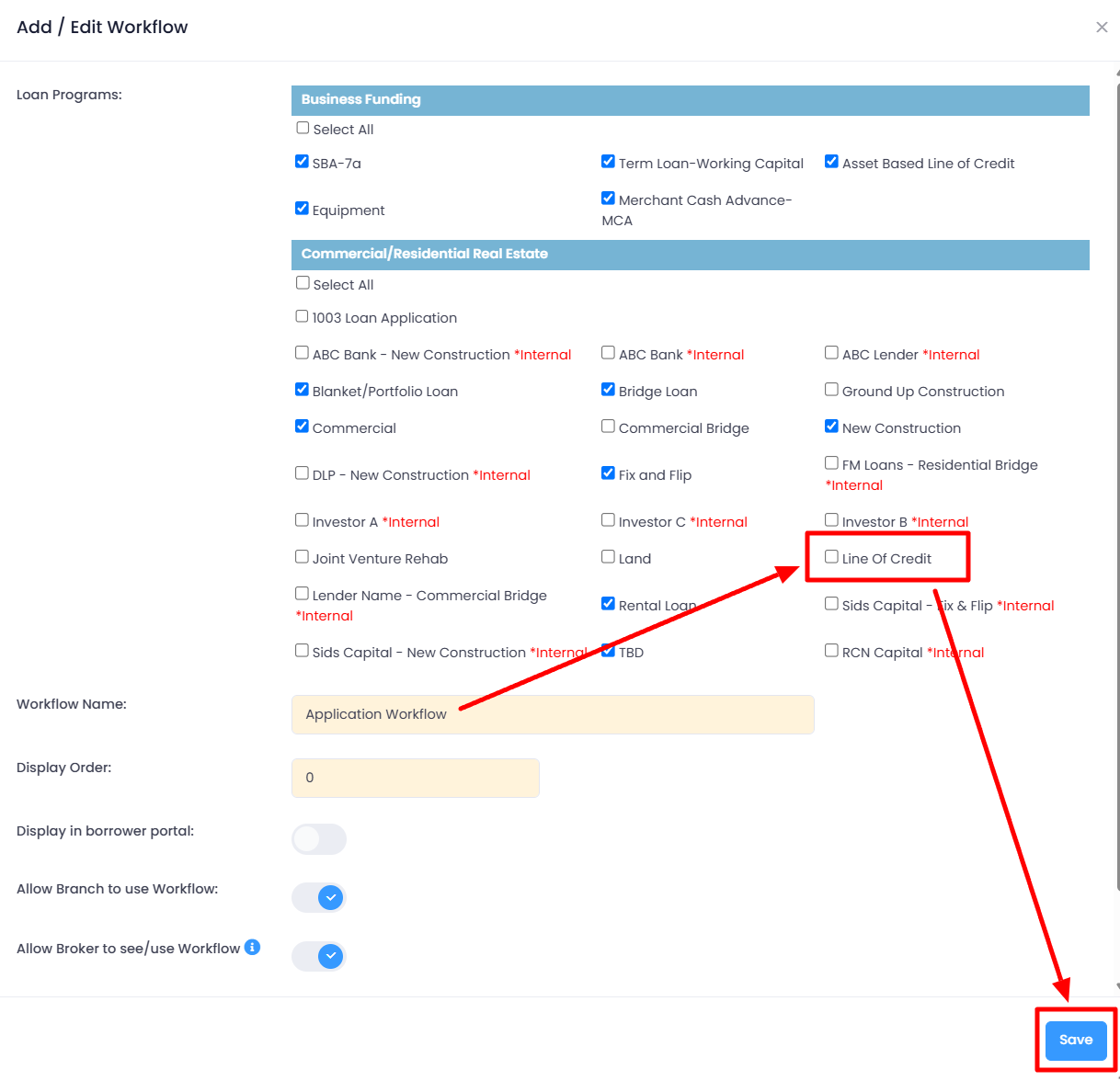
The loan program "Line of Credit" was not included in the Application Workflow.
To include it in the Workflow, click the edit pencil icon outlined in the screenshot below:
Then "check" the box next to the Line of Credit loan program and click the "Save" button: